

The release of the flex.bi 8.0 marks a transformative chapter in our journey toward truly intelligent business analytics. While we have always focused on robust data import and multidimensional analysis, this version elevates the experience by introducing our most requested feature to date: the flex.bi AI Assistant. It is a fundamental shift in how you interact with your data cubes, dimensions, and measures. Alongside this leap in intelligence, we are expanding the flex.bi ecosystem with native integrations with several ERP and CRM softwares and added architectural enhancements, ensuring that your data flows seamlessly into your reports, no matter how complex your business logic.
Empower Your Analysis with the AI Assistant
The headline act of version 8.0 is undoubtedly the AI Assistant. We know that mastering report building and MDX formulas can sometimes feel like a steep climb. Our new AI companion is designed to flatten that learning curve. By leveraging advanced language models trained specifically on the eazyBI / flex.bi ecosystem, the assistant helps you build complex reports and write custom calculations using natural language. Whether you need to calculate a year-over-year growth measure or find a specific data mapping solution, the AI Assistant acts as your personal data consultant, available 24/7 directly within your account.
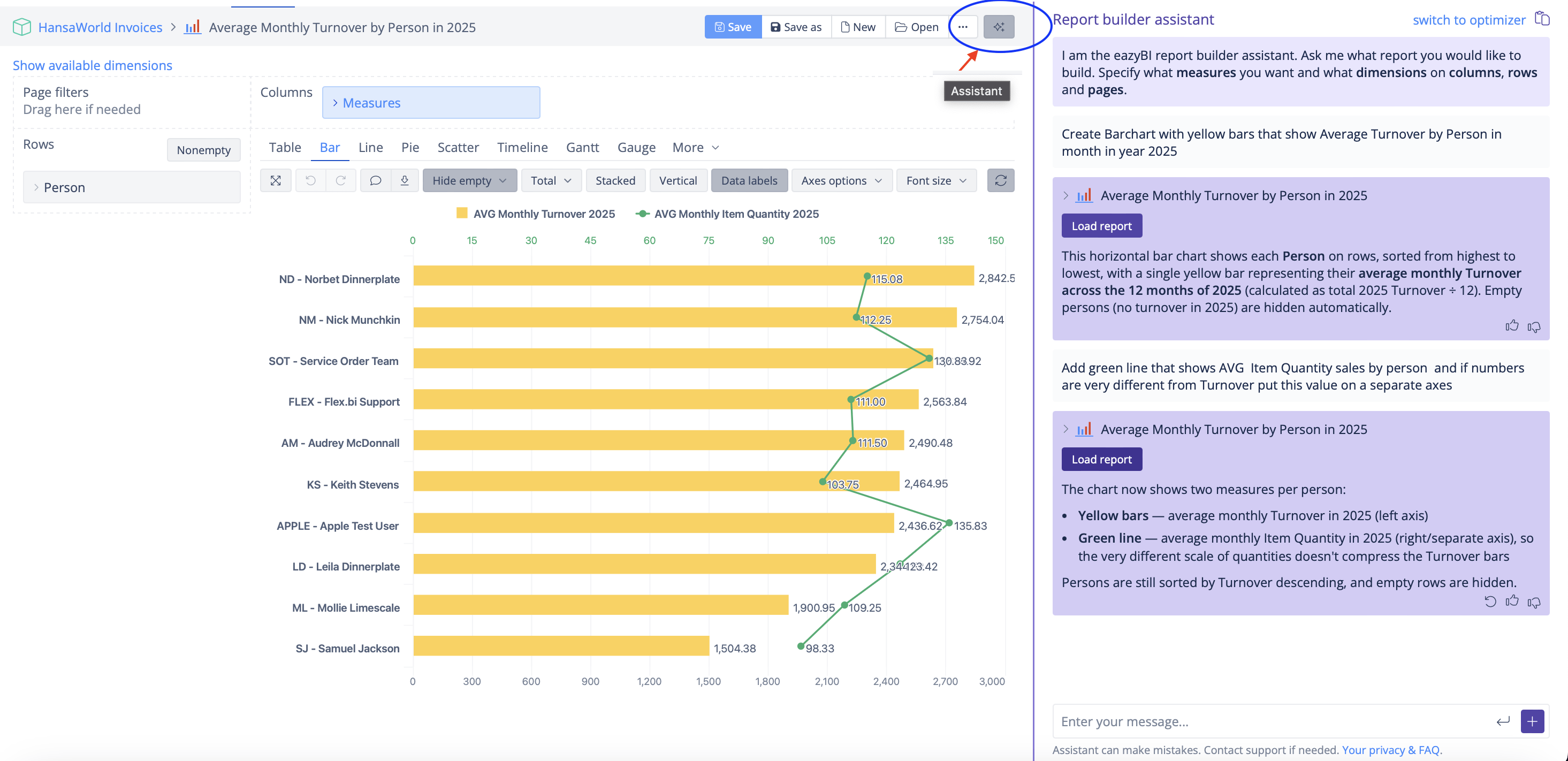
- Report Builder assistant – Builds reports for you based on your natural language requests. In a picture below you can see how a natural language request generates report “Average Monthly Turnover by person in 2025”. You can find this report here HERE and continue to upgrade it or create a new one.
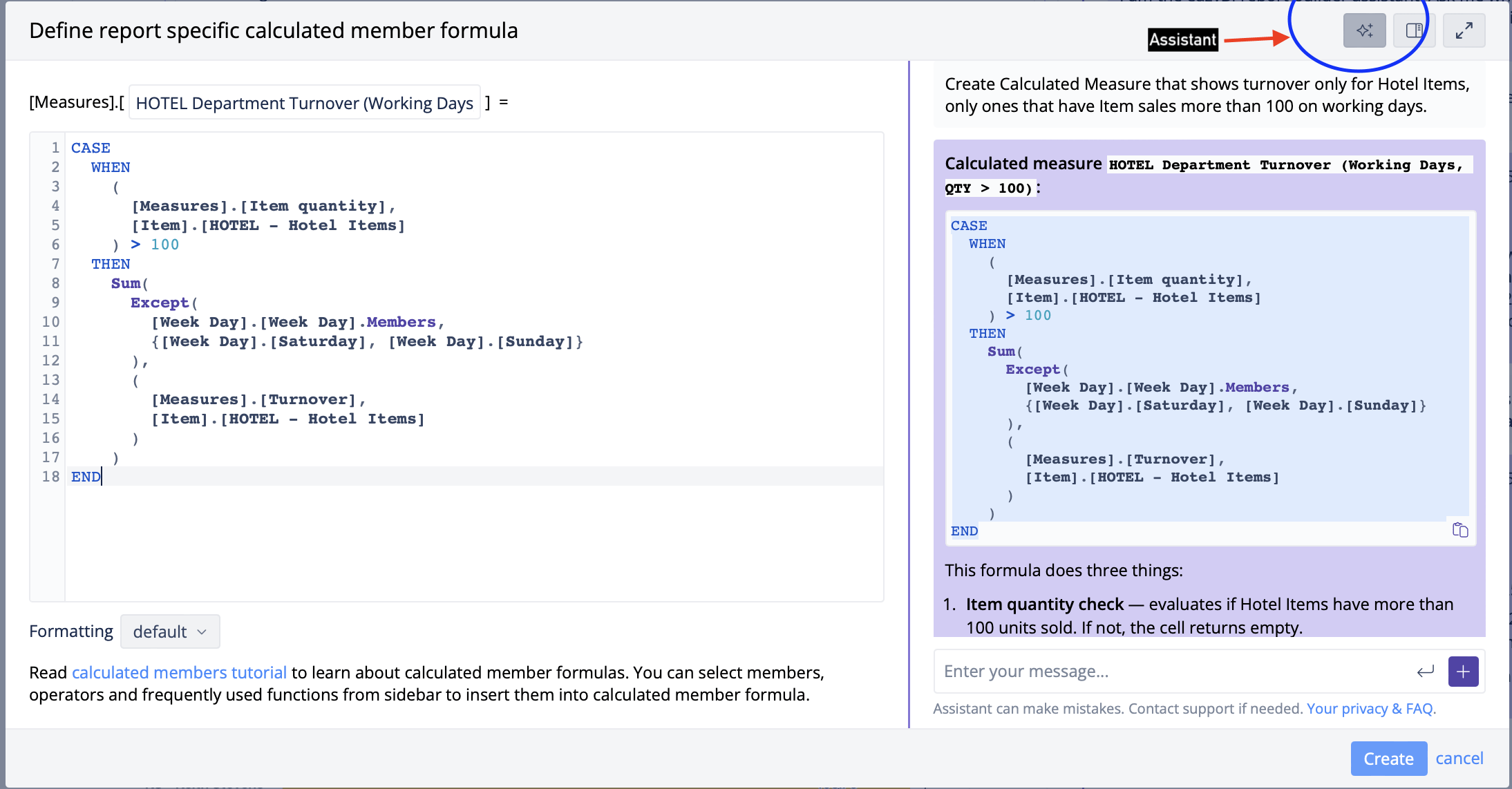
- MDX assistant – suitable for MDX code generation to filter data, write CASE-WHENs, use complex functions within your chosen data context. From very simple requests to more advanced ones. In the picture below you can see a simple example of MDX code generation for a simple CASE-WHEN statement.
❗ Please Review MDX Code – as all assistants can be scatterbrained sometimes and misunderstand some parts of your request.
More information can be found in our documentation page.
Advanced Settings for HansaWorld Consolidation + Discount 2026
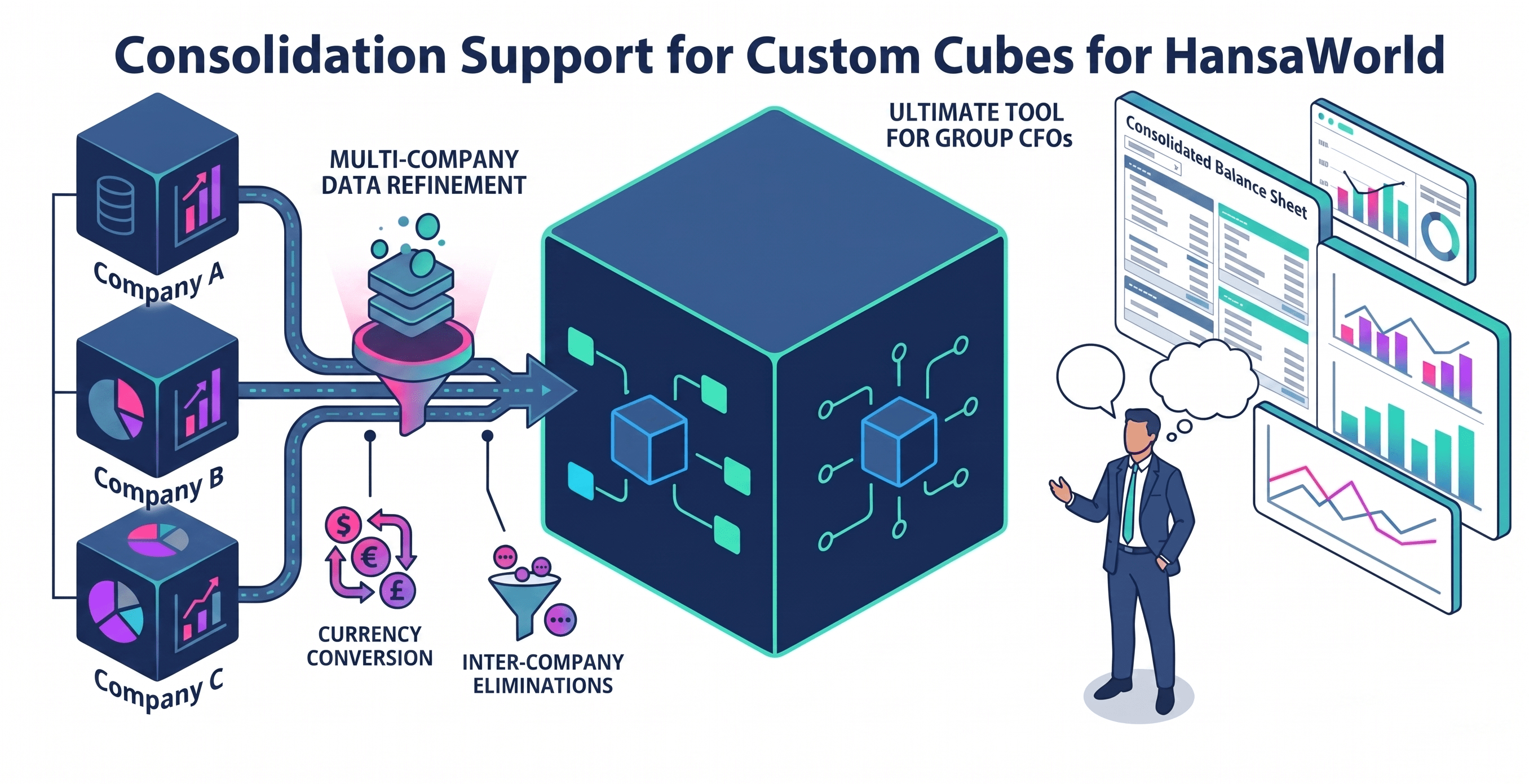
Managing multi-company environments just got significantly easier with Consolidation support for HansaWorld application custom cubes. This feature allows you to aggregate data across multiple HansaWorld companies into a single unified data cube. Whether you are looking at a consolidated balance sheet or a cross-company sales leaderboard, this functionality handles the currency conversions and inter-company eliminations that previously required manual intervention. It’s the ultimate tool for group CFOs and managers who need a “big picture” view of their entire enterprise without losing the ability to drill down into individual company performance.
Note : Consolidation is available for ALL Hansaworld data modules ( Sales, Sales Orders, Financials and others).
USE CODE : CONSOLIDATION50% to get discount on all Consolidation licenses in 2026.
More information can be found in our documentation page.
Scoro CRM Integration: Sales and Customer relations analytics
For Scoro users, we have launched two dedicated data cubes: Quotations and CRM. These cubes empower sales and account management teams to analyze their entire funnel, from the initial lead in the CRM to the final quotation approval. With these new cubes, you can easily track conversion rates, pipeline velocity, and sales representative performance. By automating the data import from Scoro, flex.bi ensures that your dashboards are always reflecting the most current state of your sales operations, allowing you to identify bottlenecks and opportunities for growth in real-time.

More information can be found in our documentation page.
Odoo ERP Integration for Time Tracking analytics
In our quest to be the central hub for your business data, version 8.0 introduces a deep integration for Odoo. This connection specifically targets operational efficiency by focusing on Timesheets and Time Planning.
By mapping these modules directly into flex.bi, project managers can now analyse and visualize resource allocation and compare actual work hours against planned schedules with surgical precision. This integration eliminates the need for manual exports and spreadsheets, providing a real-time view of project health and team productivity directly within your specialised Odoo data cubes.

More information can be found in our documentation page.
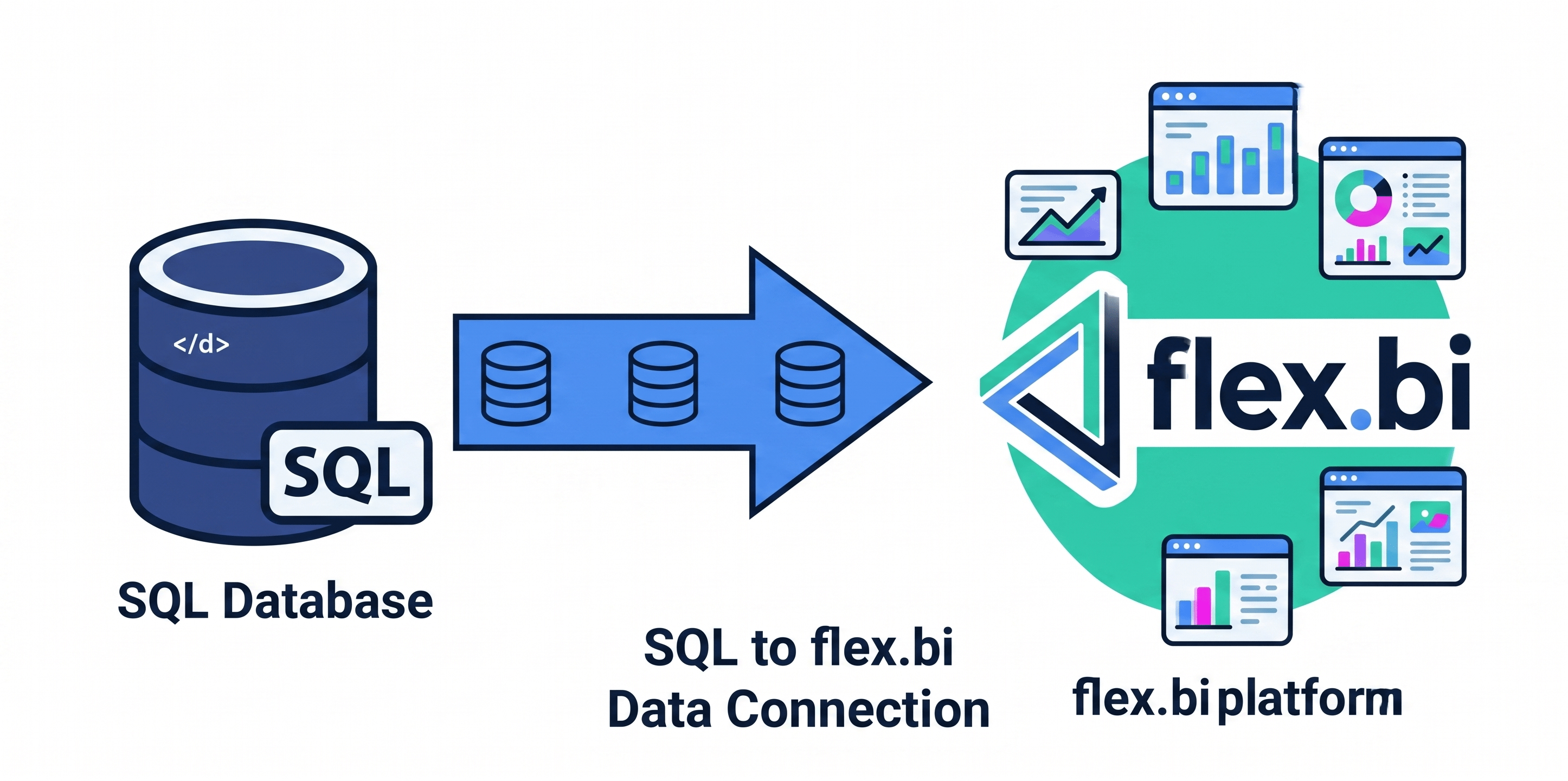
SQL Extended: Limitless Data Connectivity
The new Custom SQL Extended application offers unparalleled flexibility for users who need to pull data from unique or highly customized databases and build virtually any data cubes using our Custom Cube Builder. While our native integrations cover the most popular platforms, we recognize that many businesses have proprietary systems. The SQL Extended application allows you to:
- Define several custom queries (within connector) to fetch exactly the measures and dimensions you need from your own SQL server.
- Process and adjust your data, using our Custom Cube Builder with custom JavaScript functionality that can be used to modify or normalize your data.
- Customise the application name and logo, to make it custom-tailored for your business (available both for flex.bi Cloud and Enterprise versions)
More information can be found in our documentation page.
Object / Classification Hierarchies for Standard ERP/Books
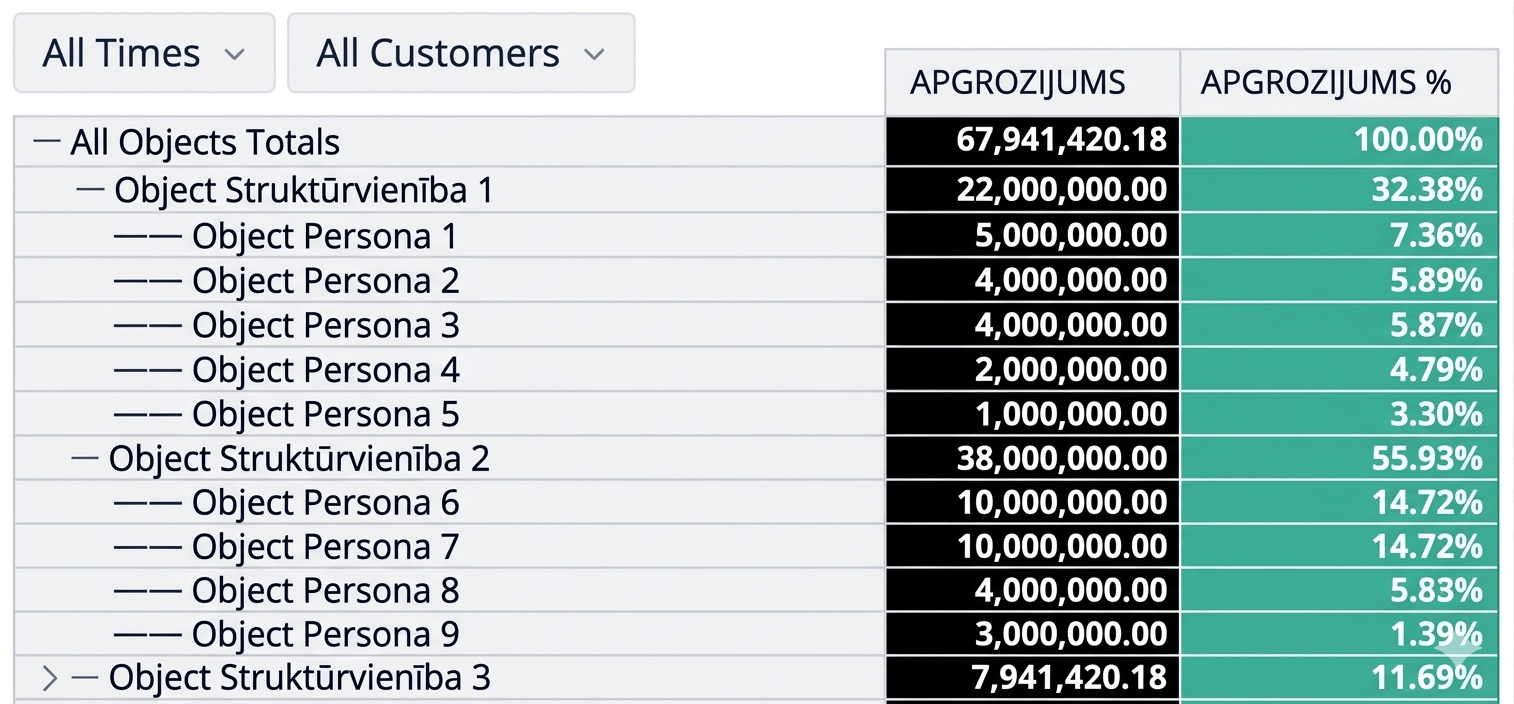
For our HansaWorld application users, version 8.0 introduces critical structural enhancements with the addition of Custom Object and Item Classification dimension hierarchies. This allows for a much deeper level of granularity when analyzing your stock, sales, and financial data. By organizing your items and objects into multi-level hierarchies, you can drill down from broad categories to specific stock units effortlessly. This improvement ensures that your flex.bi dimensions mirror your internal organisational structure, providing more relevant and actionable reports for different department heads.
Advanced Custom Cube Builder Enhancements
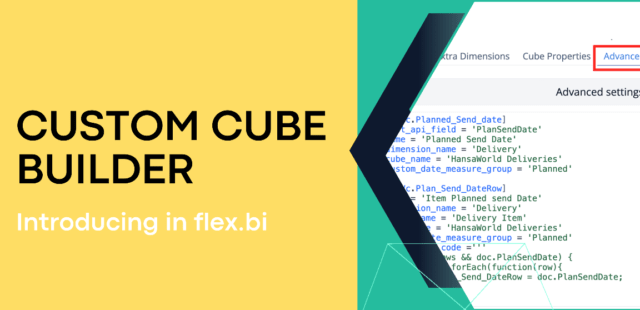
The backbone of our platform’s flexibility, the Custom Cube builder, has been significantly fortified in this release. We have added support for creating unique dimension element count measures using custom fields and introduced dynamic multi-value custom dimensions to handle complex data relationships. Technical users will appreciate the ability to use a virtual custom dimension across multiple cubes and the new functionality to import data from existing DWH tables within the account. We’ve also optimized custom field handling across all applications to ensure a smoother UI experience. For HansaWorld specialists, you now have the freedom to use any naming convention for Record Item level hierarchies and create hidden elements for precise measure binding, alongside new support for ordering custom dimension imports and pulling additional data from other registers.
More information can be found in our documentation page.
Watch our new version webinar HERE.
These are just our top picks from all of the new features in flex.bi 8.0. Please, visit our changelog for the complete list, and of course, explore and check out those exiting new features yourself in your account.
Enjoy the sun and keep on reporting!